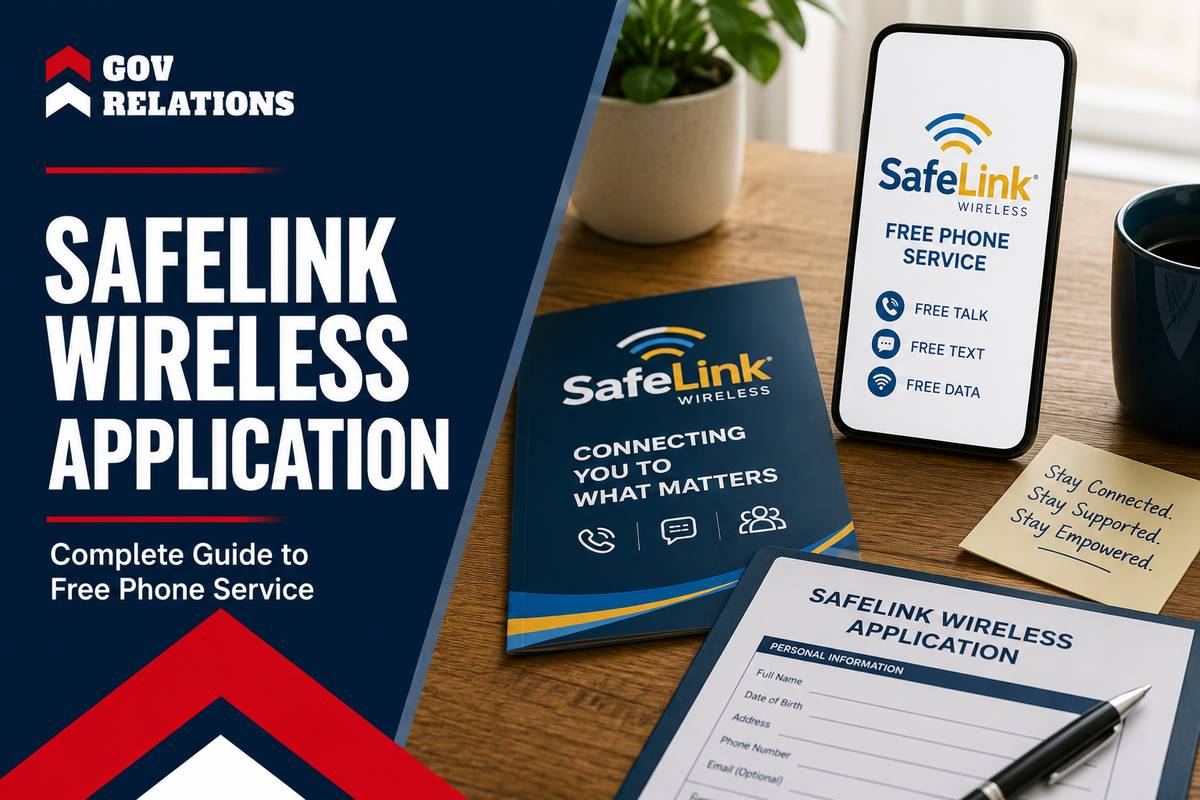
The Safelink Wireless application is the process you use to sign up for free monthly cell phone service through the federal Lifeline program. You qualify if your total household income is at or below 135% of the Federal Poverty Guidelines, or if you take part in a program like MedicaidA joint federal and state program that helps with medical costs for some people with limited income ..., SNAP, or SSI.
Lifeline has helped low-income Americans stay connected since 1985, and it expanded to wireless phones in 2008, according to the Universal Service Administrative Company. This guide covers who qualifies, the documents you need, the exact application steps, and how to avoid the scams that target people applying for free phones.
Key Takeaways
- Two ways to qualify: You can apply based on household income at or below 135% of the Federal Poverty Guidelines, or through a qualifying program like SNAP or Medicaid.
- The service costs $0: Approved applicants pay nothing each month for talk, text, and data, because the federal Lifeline subsidyFinancial assistance granted by a government to support a specific economic activity or sector, redu... of up to $9.25 covers the plan.
- One benefit per household: Lifeline allows only one phone or internet discount per household, not one per person, and it checks for duplicates at your address.
- Documents must match: Your proof of eligibility must show your legal full name and a current date, or the National Verifier will reject the upload.
- Apply through the National Verifier: Every Safelink Wireless application routes through the FCC's National Verifier, which confirms eligibility before Safelink activates your service.
- Recertify every year: You must confirm your eligibility once a year, or the program removes you automatically, and your free service stops.
- ACP has ended: The Affordable Connectivity Program closed on June 1, 2024, so Lifeline is now the main federal path to a free phone.
Who Qualifies for a Safelink Wireless Application in 2026?
You qualify for a Safelink Wireless application if your household takes part in a federal assistance program, or if your income is at or below 135% of the Federal Poverty Guidelines (FPG). The Federal Communications Commission (FCC) sets these rules, and they apply the same way in every state.
You qualify through program participation if you or someone in your household takes part in any of these federal programs: Medicaid, the Supplemental Nutrition Assistance Program (SNAP, formerly food stamps), Supplemental Security Income (SSI), Federal Public Housing Assistance (Section 8), or the Veterans and Survivors Pension Benefit. Residents of Tribal lands can also qualify through programs such as the Bureau of Indian Affairs General Assistance, Tribal Temporary Assistance for Needy Families (TANF)A federal assistance program that provides temporary financial assistance to low-income families wit..., or the Food Distribution Program on Indian Reservations.
You qualify through income if your total household gross income is at or below 135% of the FPG. A household means everyone who lives at the same address and shares income and expenses. The table below shows the 2026 income limits for the 48 contiguous states, Washington D.C., and U.S. territories, based on figures from the Universal Service Administrative Company, which runs Lifeline for the FCC.
| Household Size | Maximum Annual Income (135% of 2026 FPG) |
|---|---|
| 1 person | $21,546 |
| 2 people | $29,214 |
| 3 people | $36,882 |
| 4 people | $44,550 |
| 5 people | $52,218 |
| 6 people | $59,886 |
| 7 people | $67,554 |
| 8 people | $75,222 |
For each additional person, add $7,668. Income limits are higher in Alaska and Hawaii, where the Federal Poverty Guidelines are set higher to reflect the cost of living.
Survivors of domestic violence, human trafficking, or related crimes have a separate path under the Safe Connections Act (SCA). They can qualify with household income at or below 200% of the FPG, or through programs like WIC or the free and reduced-price school lunch program, and receive up to six months of emergency Lifeline support.
In our experience, most applicants qualify through a program they already use. That route is usually faster, because the National Verifier can often confirm it electronically with no document upload at all.
What Documents Do You Need for Your Safelink Application?
You need documents that prove your identity and your eligibility. If the National Verifier cannot confirm your status electronically, you must upload proof of program participation or proof of income. Every document must show your legal full name and the current date.
If you apply based on program participation, acceptable documents include:
- A current benefit card for a qualifying program, showing an issue or expiration date.
- A recent letter from the Social Security Administration or another government agency confirming your participation.
- An official benefits statement for the program you take part in.
If you apply based on income, acceptable documents include:
- Last year's state, federal, or Tribal tax return.
- Three consecutive months of pay stubs from within the past twelve months.
- A Social Security, Veterans Administration, or retirement or pension benefits statement.
- An unemployment or workers' compensation benefits statement.
Upload copies or digital photos only. Never mail or hand over your original documents. Make sure the name and address on every document match the details you enter on your application. A mismatch is the most common reason an application is delayed.
How to Apply for Safelink Wireless: Step by Step
You apply for Safelink Wireless online in about ten minutes. The application starts on the Safelink website, moves through the National Verifier for eligibility, and ends with Safelink activating your service. Here are the seven steps from start to finish.
- Enter your zip code on the official Safelink Wireless website to confirm service is available in your area.
- Complete the Safelink enrollment form with your name, address, and contact details.
- Continue to the National Verifier, the FCC system that confirms Lifeline eligibility. Safelink redirects you there automatically.
- Confirm your personal details, accept the Lifeline disclosures, and add your electronic signature.
- Upload your proof of identity and proof of program participation or income, but only if the system cannot verify you automatically.
- Wait for the decision. The National Verifier reviews your information and sends the result to Safelink.
- Activate your service once approved. Safelink ships your SIM card or phone with activation instructions.
You can activate a Safelink SIM or phone online, by phone, or by text. To activate by text, send the word ONESTEP to 611611 from your old phone and follow the prompts to move your service over. In our experience helping readers, the fastest applications are the ones where the applicantThe individual or organization submitting the grant proposal and responsible for implementing the pr... checks eligibility through the National Verifier first, so they know they qualify before filling out the full form.
Should You Bring Your Own Phone or Take a Safelink Device?
You have two device choices with Safelink. You can bring your own compatible phone and get a free SIM card, or you can receive a free phone from Safelink. The right choice depends on whether your current phone works on the network and what kind of device you want.
The Keep Your Own Smartphone program, also called Bring Your Own Phone (BYOP), lets you use your current device. If your phone is unlocked and works on the AT&T, T-Mobile, or Verizon networks, it is likely compatible. Safelink mails a free SIM kit with Traditional, Micro, and Nano SIM sizes so one fits your device.
If you do not have a compatible phone, Safelink may send a free smartphone with your enrollment. Availability and the exact model depend on your state and current inventory. The free device is usually an entry-level Android phone, not a premium model. Safelink runs mostly on the Verizon network and is operated by TracFone Wireless, a Verizon company, which gives it strong coverage in many rural areas.
| Factor | Bring Your Own Phone (BYOP) | Safelink-Provided Device |
|---|---|---|
| Cost | Free SIM kit | Free phone, subject to availability |
| Best for | Keeping a phone you already like | Applicants without a compatible phone |
| Device quality | Your current device, including higher-end models | Usually an entry-level Android phone |
| Setup speed | Fast once the SIM arrives | Depends on shipping and current stock |
| Requirement | Unlocked, network-compatible phone | None, Safelink supplies the device |
What Do You Get With Safelink Wireless?
Safelink Wireless gives approved Lifeline subscribers free monthly service. The standard federal benefit is a discount of up to $9.25 per month, and up to $34.25 per month for households on Tribal lands, according to the Universal Service Administrative Company. Safelink applies that benefit to a plan that costs you nothing. A typical plan includes:
- Unlimited talk: free voice minutes each month, with no per-minute charge.
- Unlimited text: free text messages with no per-message fee.
- Monthly data: the amount varies by state, with many states offering around 10GB, California offering up to 25GB, and Tribal lands offering up to 40GB.
- Hotspot data: many plans include a data allowance you can use to connect another device, such as a laptop.
- Standard calling features: voicemail, caller ID, call waiting, and three-way calling.
- Emergency and support access: free 911 access, 411 directory assistance, and calls to customer care at 611.
You may see older pages mention the Affordable Connectivity Program (ACP), which once added extra data. The ACP ended on June 1, 2024, after Congress stopped its funding, and no federal replacement exists as of 2026, according to a Congressional Research Service report. Lifeline is now the main federal program for free phone service, and Safelink has added low-cost add-on plans for users who need more data than their free allowance provides.
How Annual Recertification Works
You must recertify your Safelink eligibility once every year. Recertification confirms you still meet the income or program requirements. If you miss the deadline, the program removes you automatically, and your free service stops.
Safelink notifies you by text or mail when your recertification window opens. You can usually complete it online through the National Verifier or by following the steps in your notice. You also need to use your phone at least once every 30 days to keep the benefit active. A single call, text, or data session counts as use.
Scam Warning: Fake Free Phone Offers Are Common
Scammers target people applying for free government phones. Before you apply, here is how to tell a real Lifeline offer from a fraudulent one:
- The real program is always free. No legitimate Lifeline provider charges a fee to submit your application.
- Safelink never asks for your credit card to give you a free phone. Any request for payment to claim a benefit is a scam.
- The government will not call, text, or email to offer you a phone you did not apply for. Unsolicited offers are a warning sign.
- Apply only on the official Safelink site or another verified Lifeline provider. Check the web address carefully before you enter any personal details.
If you get an unsolicited offer for a free government phone, do not click any links in the message. Report it to the Federal Trade Commission at ReportFraud.ftc.gov.
Ready to Apply? Verify Eligibility and Compare Your Options
As of 2026, the Safelink Wireless application is one of the most direct ways to get free phone service through the federal Lifeline program. You qualify through a program you already use or through your household income, you apply online through the National Verifier, and you recertify once a year to keep the benefit. The process is free, and it should stay free at every step.
Your next step is simple. Check whether you qualify, gather one document that proves your eligibility, then start your application on the official Safelink Wireless site. If you want to compare devices and plans before you apply, read our Safelink Wireless free phone guide first.
Frequently Asked Questions
How long does a Safelink Wireless application take to approve?
Many applications get an instant decision when the National Verifier confirms your eligibility electronically. If you need to upload documents, the review can take a few days. Once approved, Safelink usually ships your SIM card or phone within 5 to 10 business days.
Can I keep my current phone number with Safelink?
Yes. You can transfer, or port, your existing number to Safelink during enrollment. Tell the representative you want to keep your number, and start the process before you cancel your old service so you do not lose the number.
Can I have Safelink and another Lifeline phone at the same time?
No. Lifeline allows only one benefit per household. If you switch to Safelink from another provider, your old Lifeline benefit ends. If someone at your address already has Lifeline, you complete a household worksheet to show you are a separate household.
What happens if my Safelink application is denied?
Read the reason the National Verifier gives. Common problems are a name that does not match your documents or a blurry upload. You can correct the error and resubmit through the portal. A denial is often a document issue, not a final decision.
Is Safelink Wireless really free?
Yes, for approved Lifeline subscribers. The federal subsidy covers the monthly cost, so you pay nothing for the standard plan. There are no contracts and no credit checks. You can buy optional add-on data if you need more than your plan provides.